Professional
business
templates,
ready to use
today.

Built for the solo founder who deserves tools as sharp as their ideas — without the noise of a marketplace.
Every template in Thrivepack is hand-picked for a real business moment: winning a client, presenting your brand, tracking your money, onboarding a collaborator. Nothing generic. Nothing filler.
Tools built for
real business moments.
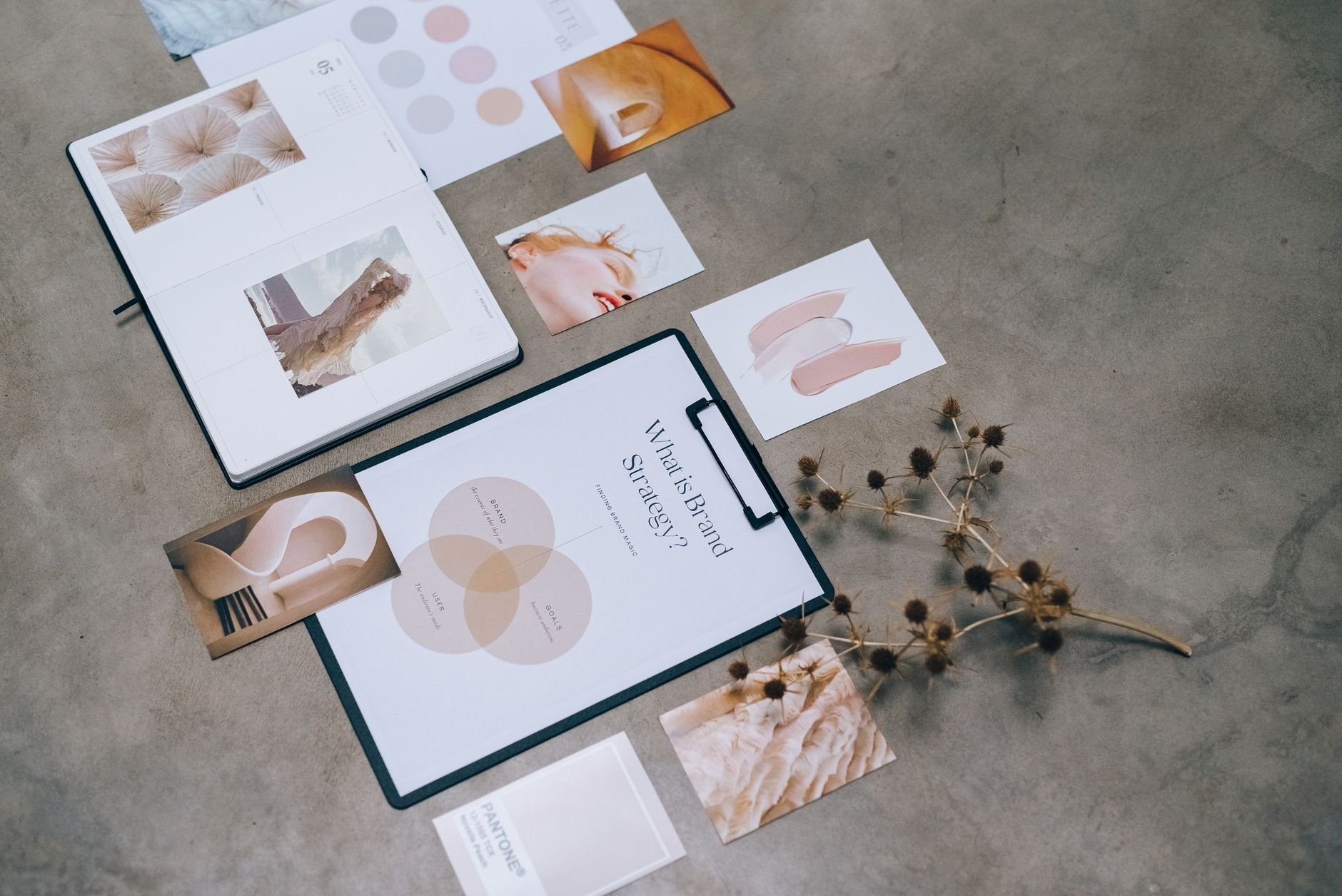
Win more clients with proposals that look the part.
Ready-made proposal templates for freelancers and consultants. Structured for clarity, polished enough to send in minutes. Built for Google Docs and Canva.
Browse proposals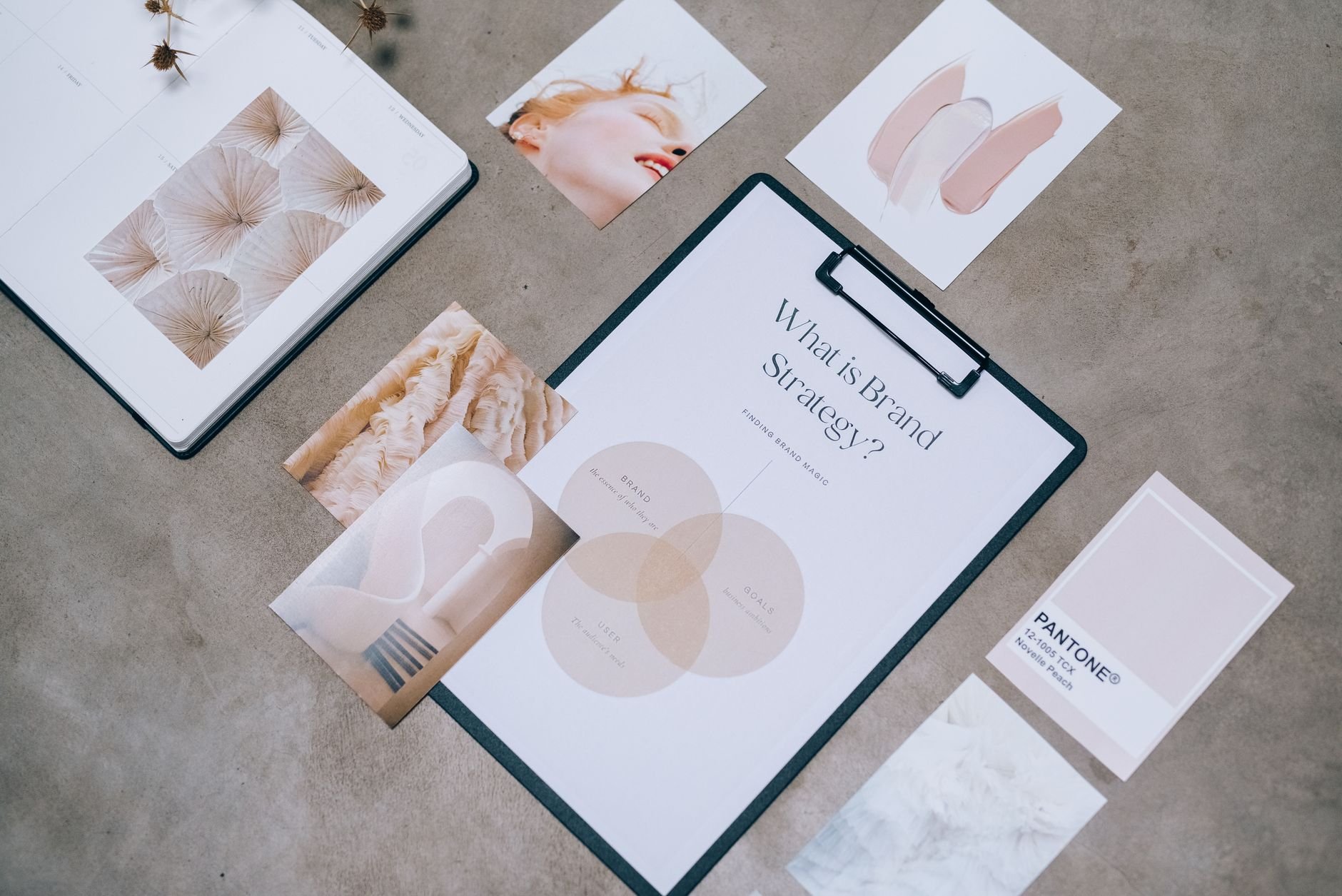
Your brand, consistent and confident from day one.
Canva brand kit templates that cover logo placeholders, color palettes, font guides, and social asset sizing. Build a cohesive visual presence without a designer.
Browse brand kits
Know your numbers. Always.
Freelance income, expense, and invoice trackers for Google Sheets. Set up in minutes; designed to give you clarity at a glance without a bookkeeper.
Browse finance tools
No guesswork.
Just open and go.
Thrivepack templates come ready to use. Here is exactly what lands in your account the moment you buy.
Instant digital download
Every template delivers to your inbox and your account the moment you buy — no waiting, no approval queue.
Editable source files
Canva templates arrive as shared Canva links you duplicate to your own account. Notion templates are one-click duplicates. Google Docs and Sheets open directly — just save a copy.
Fully customizable
Every color, font, and field is yours to change. Replace the placeholder text with your own business name and details — no design skills needed.
Commercial use included
Use your purchased templates for client-facing work — proposals, reports, brand kits — without needing to buy a separate commercial license.
Built-in format guidance
Each template includes a short guide covering how to adapt it, which fields to personalize first, and how to export or share the finished result.
From browsing to
finished in minutes.
Browse by the moment you're in.
Every Thrivepack template is labeled by the business problem it solves — not by file type or feature list. If you need to write a proposal today, find it in under a minute.
No search overload. No marketplace noise.
One purchase, instant access.
Pay once for a template. It's yours immediately — delivered to your account and your email. No subscription required unless you want ongoing access to new releases.
Secure checkout. Instant delivery.
Open it. Make it yours in minutes.
Every template is built around real placeholder content that shows you exactly what to fill in. Swap your name, adjust your colors, update the details — you're done faster than you think.
Built for Canva, Notion, Google Docs.
Share, export, and get back to work.
Canva templates export to PDF or PNG in seconds. Notion and Google Docs templates share with a link or download as a file. Your client sees a polished deliverable; you kept your afternoon.
No design degree required.
Everything you
need to know.
No design experience needed. Every template is pre-designed and ready to open. In Canva, you just click on text and type over it. In Notion and Google Docs, you duplicate the document and fill in your details. The hardest part is deciding which one to buy.
Thrivepack templates are built for Canva, Notion, and Google Docs. Each template page tells you exactly which platform it uses. You do not need any paid subscriptions beyond a free Canva account (Canva Free works for most templates) or a Google account.
Yes. Every Thrivepack purchase includes commercial use rights, so you can use a proposal template with multiple clients, a brand kit template for your client's brand, or a finance tracker for your freelance business. You are not restricted to personal use.
You receive an email with a download link immediately after purchase. The link also appears in your account if you create one at checkout. For Canva templates, you receive a shareable Canva link that lets you duplicate the design to your own account. For Notion, it is a duplicate link. For Google Docs and Sheets, it is a file you open and copy.
Fully. Every color, font, and piece of text is editable. Canva templates let you swap fonts, colors, and images with a few clicks using Canva's built-in tools. Notion and Google templates are plain editable documents — change anything you like.
Reach out via the contact page and describe what you need. Many templates can be adapted with a few tweaks, and the built-in guidance notes in each template walk you through the most common adjustments. If a template is genuinely not the right fit, we will work something out.
Your next client
is waiting for a
polished proposal.
Join the Thrivepack list to be first when new templates drop — plus occasional tips for solo founders who want to look bigger than they are.
- New template drops, announced first to the list
- Short tips on client work, freelance ops, and Canva
- No noise. Unsubscribe any time.
Stay in the loop
Get updates, tips, and news delivered to your inbox.